Overview
Content on our platform is dynamic. Stats change during live matches, sponsored elements appear or disappear based on geo, and some pages/content refresh in real time. This behaviour must be intentional and predictable to maintain trust, avoid layout jumps where possible, and ensure accessibility.
Layout Shifting
Conditional Content e.g. Sponsored Content
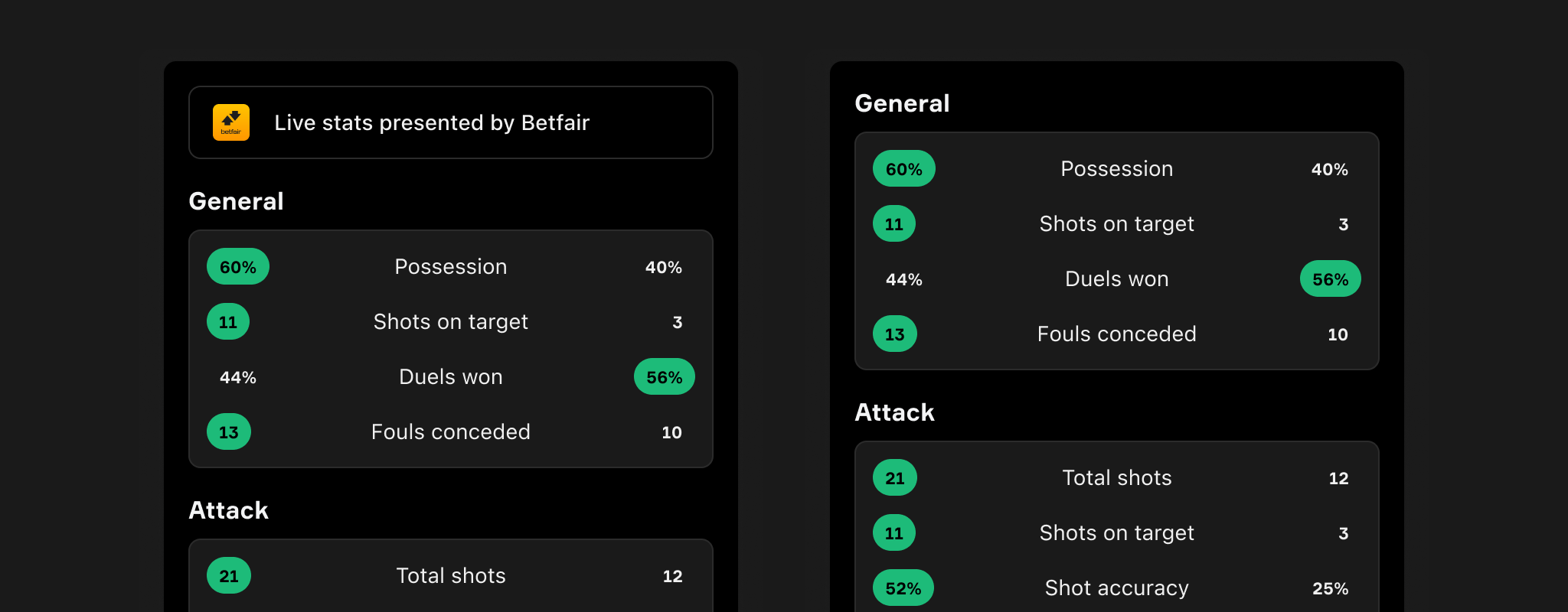
When new content appears or disappears after initial render, causing other elements on the page to move, the following behaviour should take place:
- If the majority of fans will see the content:
- The content is shown by default, then hidden if needed.
- If the majority of fans will not see the content:
- The content is hidden by default, then shown if needed.
Continuously Updating Content e.g. Live Blog/Ticker
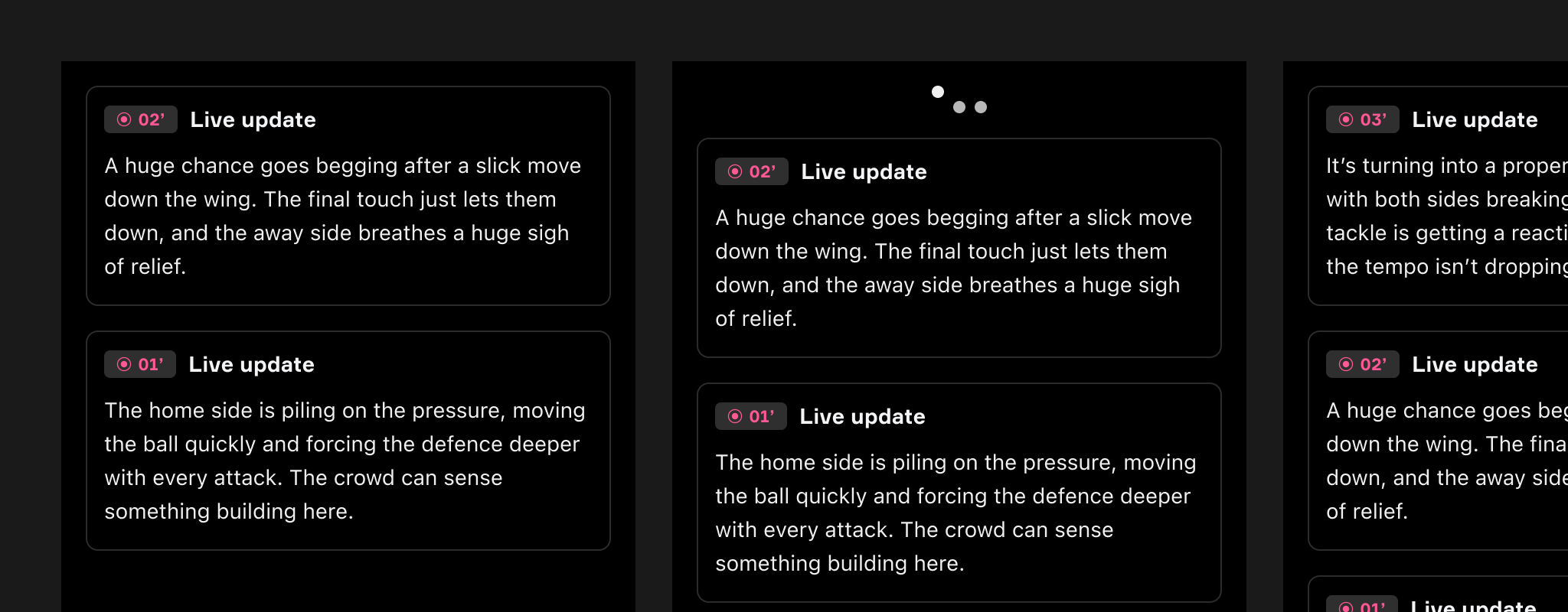
When new posts or events are added to a live feed after the initial load:
- Don’t cause jumps. New items are added at the top, keeping the fan’s scroll position stable.
- Make new content obvious. Use a “New post” button or similar indicator to guide fans to the latest updates.
- Avoid disrupting interactions. If a fan is scrolling or reading, them load manually (e.g. “5 new updates” button).
Layout Reloading
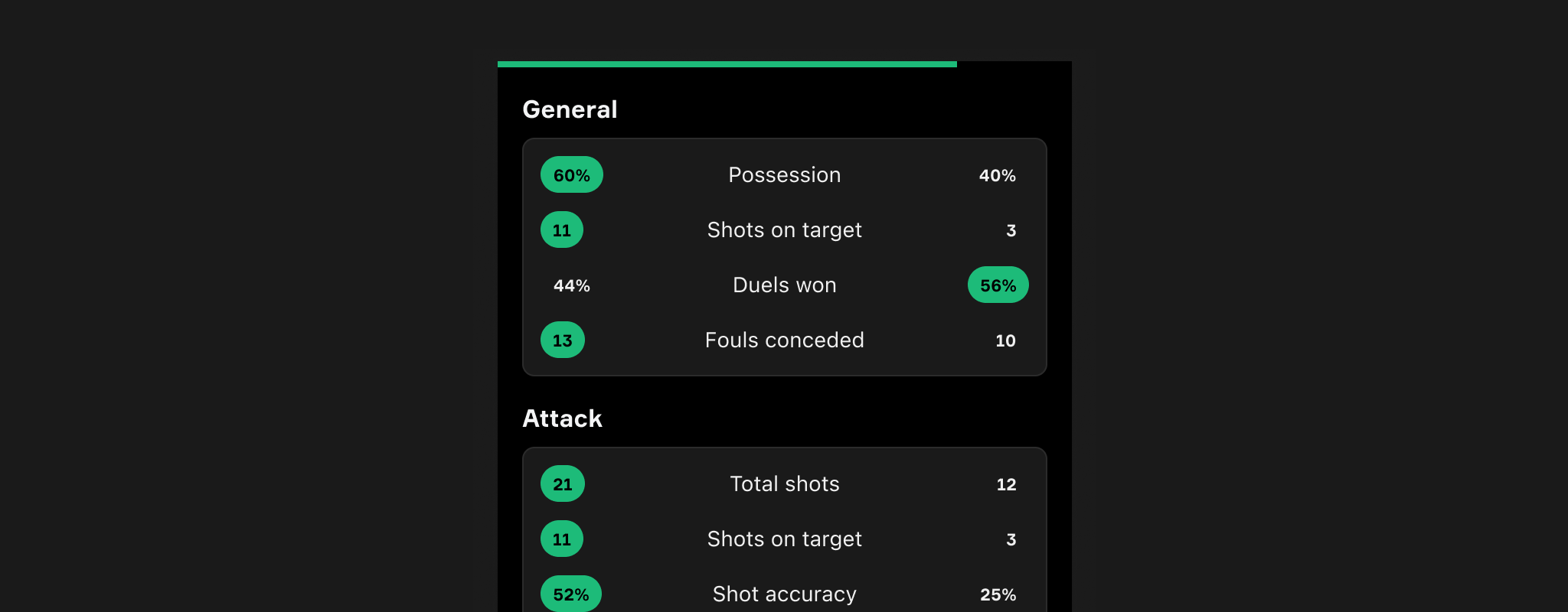
There are different scenarios where layout may be reloaded:
- Silent updates. e.g. stats change without reloading the page.
- Partial reloads. Sections of a page update independently.
- Full reloads. Page-level refresh (avoid where possible).
When updates or reloads are automated, the following should be considered:
- Updates should be predictable and consistent (e.g. at set intervals).
- Focus states must not be disrupted (e.g. if a fan is interacting with a filter).
- Avoid full re-renders where possible.
- Use subtle visual indicators (e.g. shimmer, pulse, highlight fade) when data updates in place.
- For larger components consider showing “last updated” timestamps for clarity.
- Batch multiple updates together where possible to reduce flicker.
Accessibility
- Dynamic content must remain accessible and navigable at all times.
- Don’t move focused elements when new content loads.
- Announce major updates for screen readers (e.g. “Player stats updated”).
- Ensure skeletons and placeholders don’t trap keyboard navigation.
- Respect system “reduced motion” preferences.