Design
Component checklist
Overview
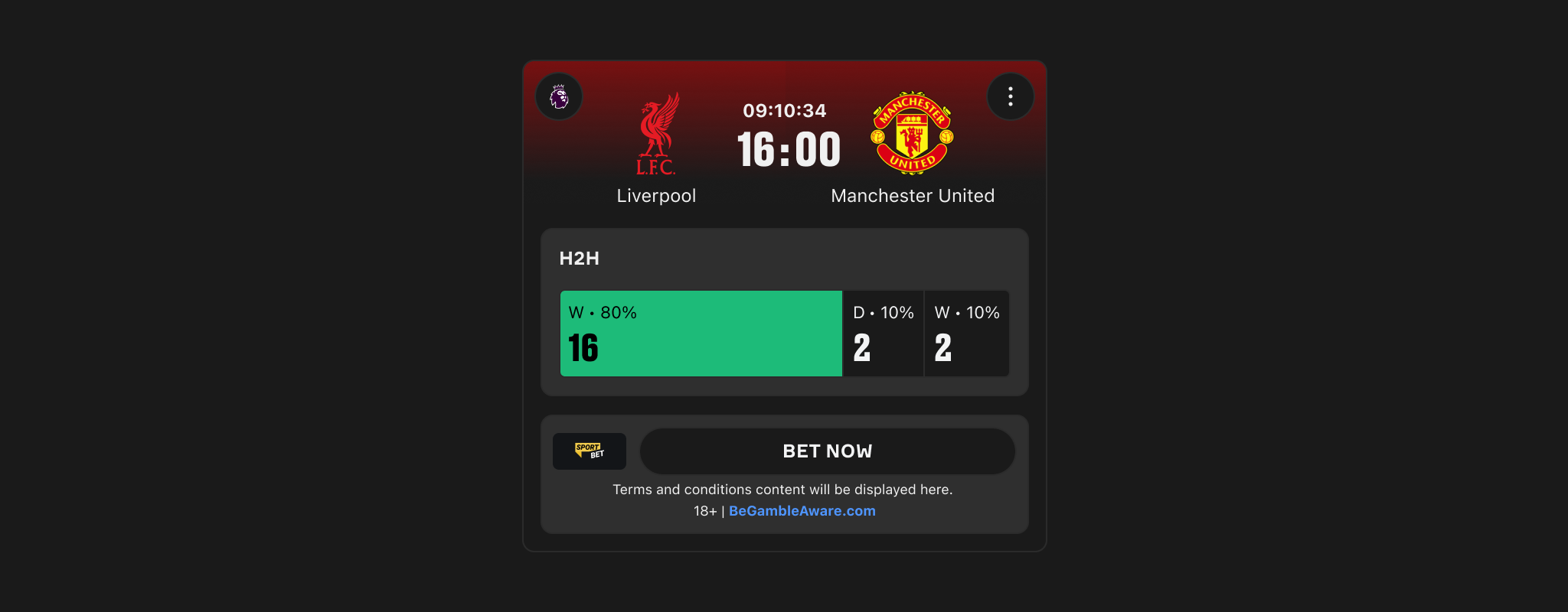
The Button variation of the Mini Sponsorship Card offers a single, clear betting action, with the partner's logo above it and the small print beneath.
Usage
Button
Content within the button should be minimal and must be kept to a single line.
Small Print
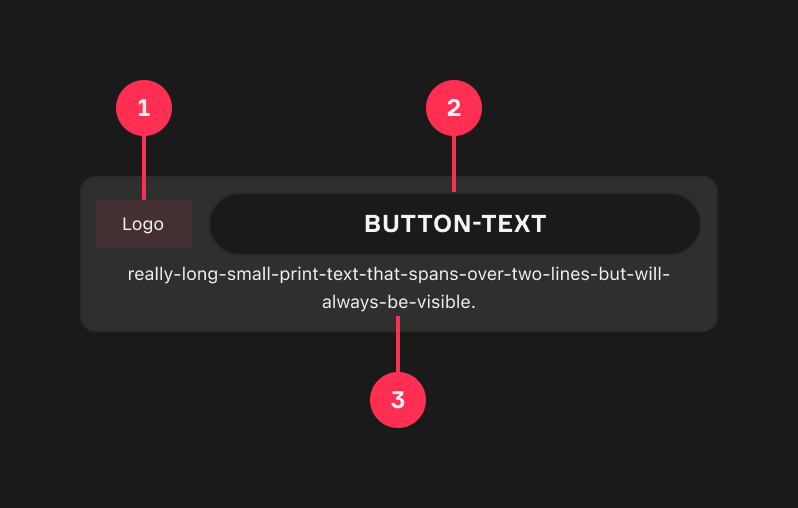
The small print section is a fixed container. Its content can be displayed on a single line or span across two lines, and it is always center-aligned.
Sponsorship Logo
Betting sponsor logos can use either a fully branded solid background or a transparent background, but must be supplied in a way that ensures they remain clear and legible in both light and dark mode.
|
Width |
Height |
|---|---|
|
48px |
24px |
Exporting Assets
We recommend exporting at 4× resolution to ensure the assets remain high-resolution across all devices.
When exporting, save the final file as a PNG. PNG provides consistent quality, and for performance reasons the file size should be as small/compressed as possible.
Design
Appearance
|
Item |
Usage |
|---|---|
|
1 |
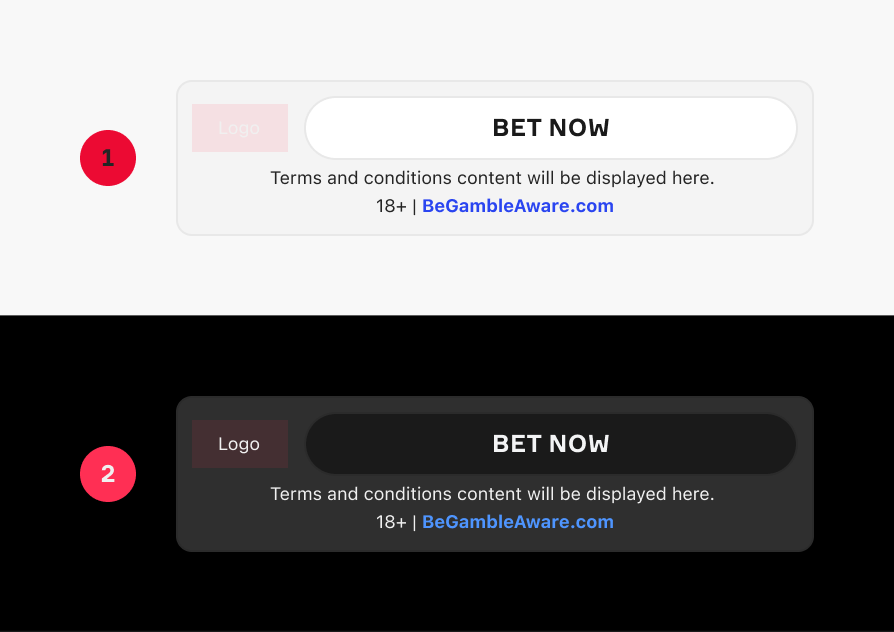
Light Mode |
|
2 |
Dark Mode |
Anatomy
|
Item |
Usage |
|---|---|
|
1 |
Logo |
|
2 |
Button (Small) |
|
3 |
Smallprint |