Design
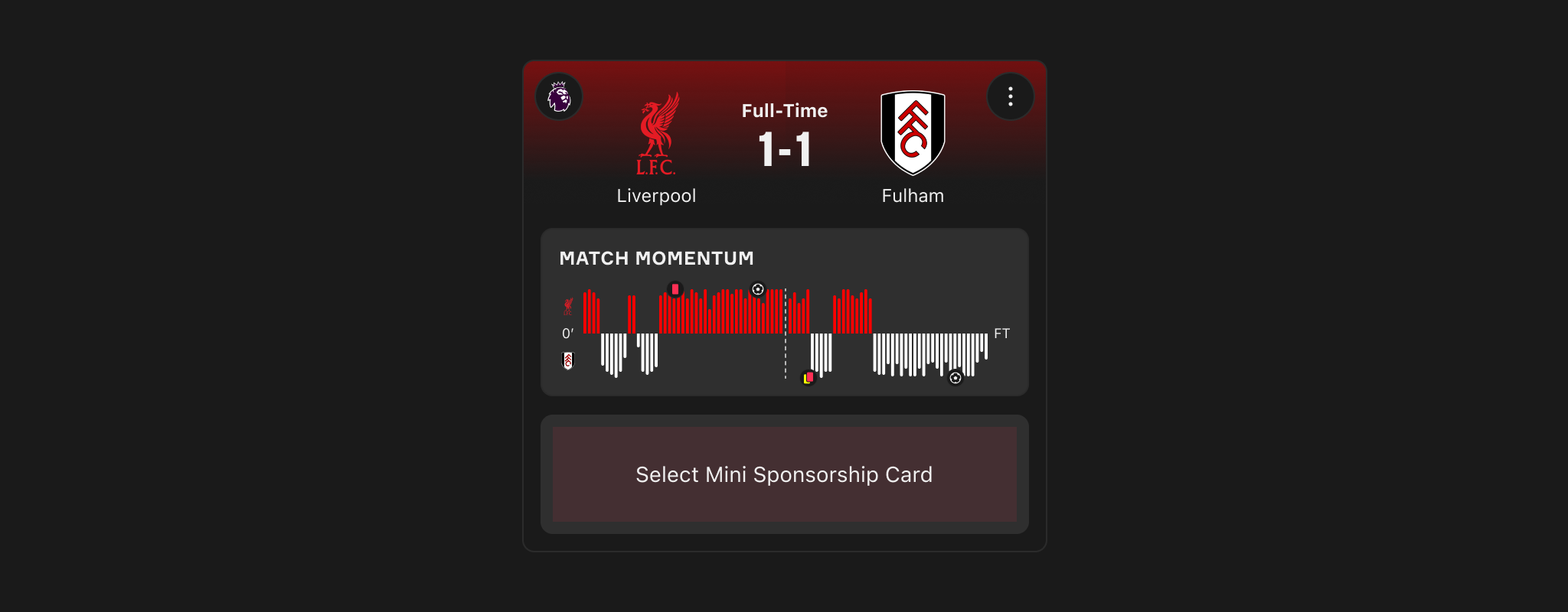
Component checklist
Overview
Mini Card: Momentum is a minute-by-minute picture of which team has been on top, drawn as paired bars in the two teams' colours. Goals and red cards sit on the graph, so a fan can see the shape of the match and what turned it.
Usage
Momentum Lines
Each bar represents one minute of the match, displayed as a pair of vertical bars; one for the home team (top) and one for the away team (bottom).
Bars are only shown once data is available for that minute. Minutes without data are not displayed.
Bar height is proportional to the momentum value for that minute; taller bars indicate greater attacking pressure or possession dominance in that period.
A halftime divider separates the first and second half at minute 45.
Match Event Icons
Two event types are shown as icons on the graph; goals (including penalties) and red cards (straight red and second yellows).
When two or more events occur in the same minute, icons overlap with a 6px horizontal offset per icon so all events remain individually visible.
Icons are always rendered above the graph area for home events and below for away events to avoid obscuring momentum bars.
Additional Time
If a half goes into stoppage/injury time, additional bar columns are appended dynamically for each added minute.
A dashed vertical divider marks the boundary between regulation minutes (90') and extra time, visually distinguishing added minutes from standard play.
The FT marker always appears at the true end of the match (after all added time), not at the 90-minute mark when extra time is in play.
Extra time bars appear progressively as minutes are completed, maintaining visual consistency with regulation play.
Team Colours
Home and away team bars use each team's primary colour.
Due to the scale of teams supported, colours may sometimes clash. Two scenarios are handled:
Where competing teams have a similar colour, the away team falls back to their secondary colour.
Where a team's colour clashes with the background, meaning white in light mode or black in dark mode, that team falls back to their secondary colour. If all colours clash, we will revert to app colours.
Design
Appearance
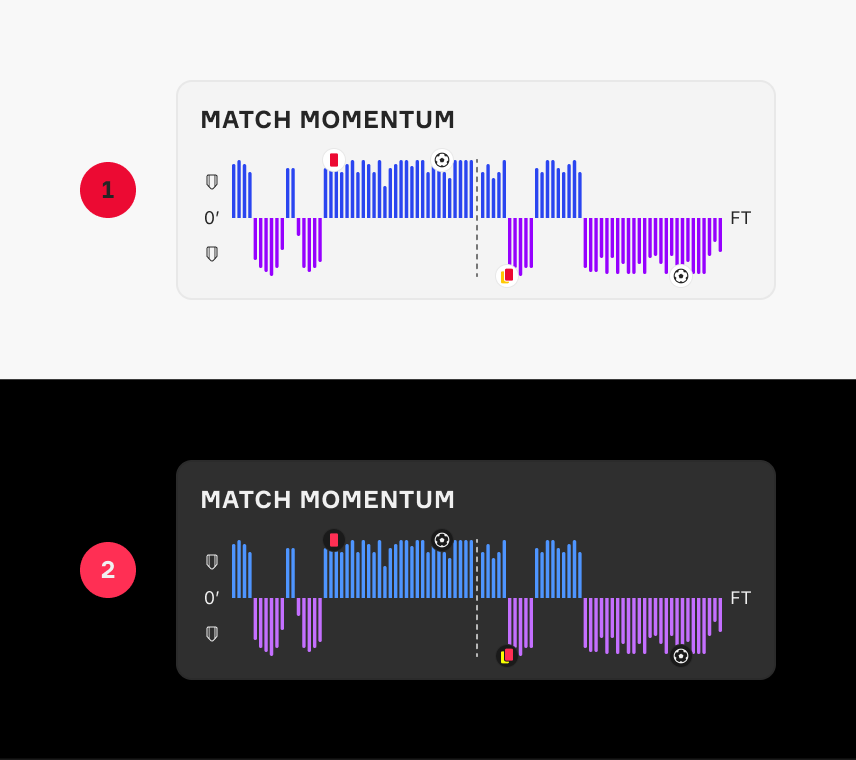
|
Item |
Usage |
|---|---|
|
1 |
Light Mode |
|
2 |
Dark Mode |
Anatomy
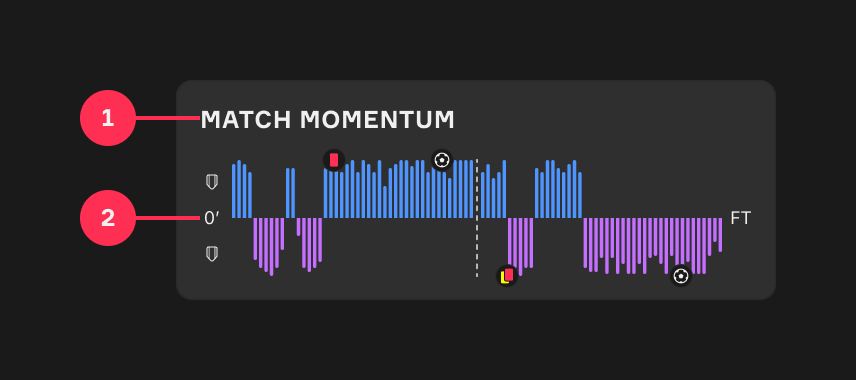
|
Item |
Usage |
|---|---|
|
1 |
Title |
|
2 |
Momentum Graph |