Design
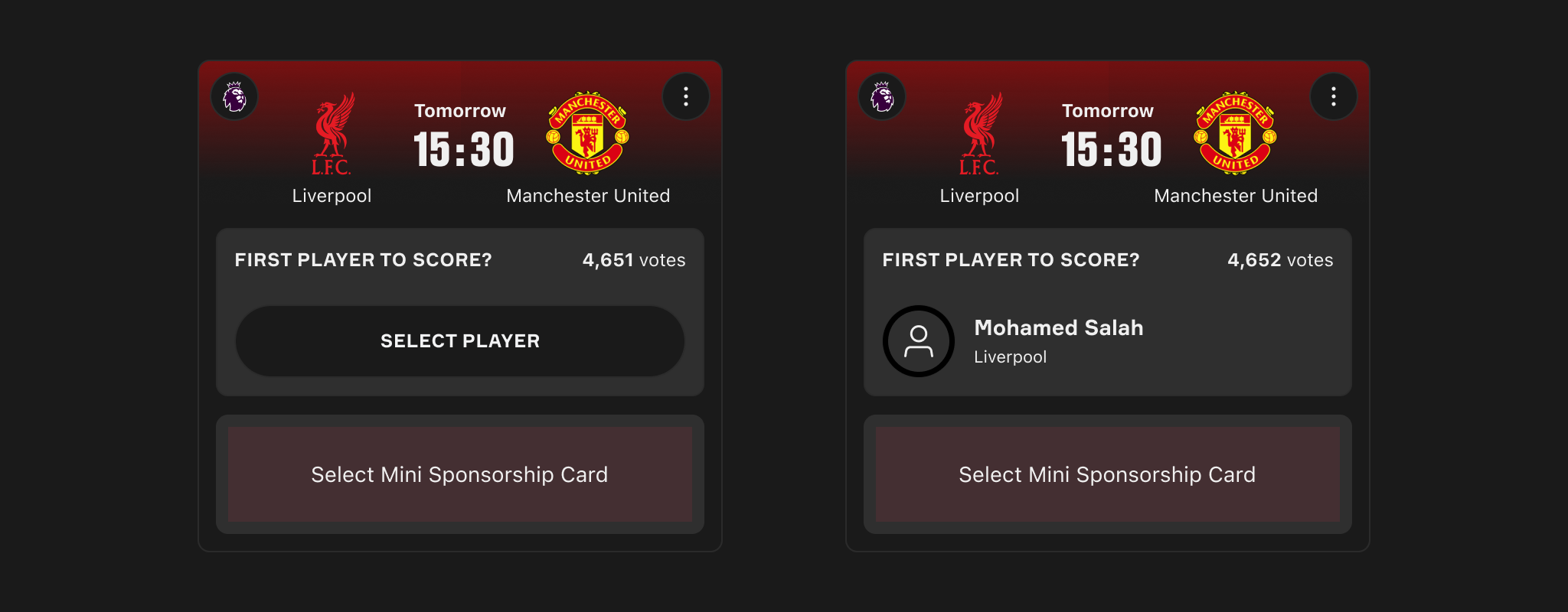
Component checklist
Overview
Mini Card: First Player to Score lets a fan name the player they think will open the scoring. It opens with a call to action, and once a pick is made the card carries that player, their team and how the prediction turned out.
Usage
Selecting a player
Upon tapping the CTA, a Bottom Sheet will be presented for fans to select their chosen player.
Editing/changing a player
It is not possible to edit or change a prediction once it’s been submitted.
Design
Appearance
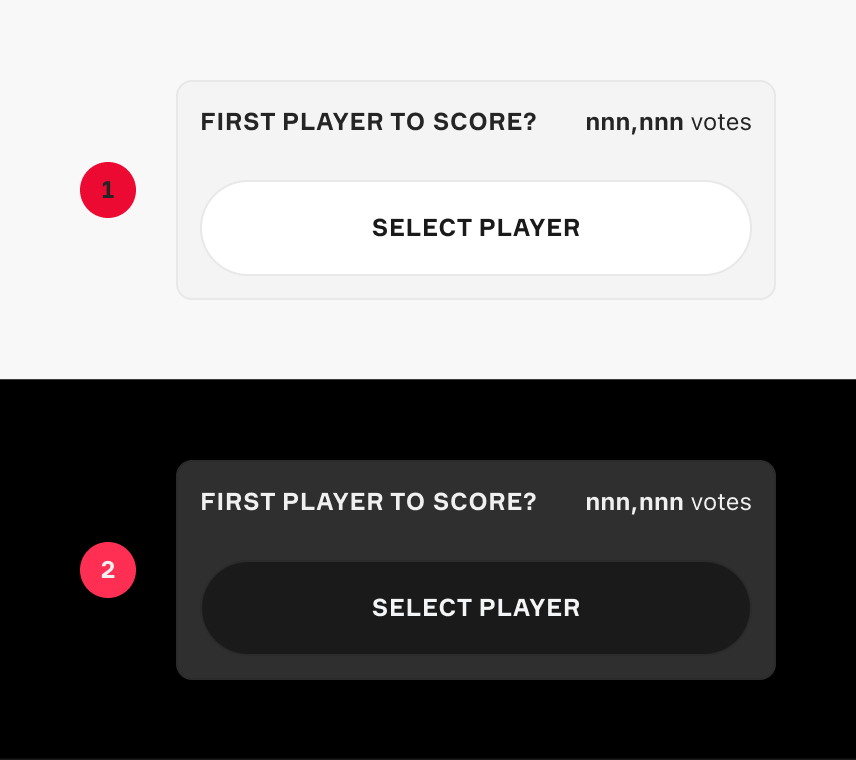
|
Item |
Usage |
|---|---|
|
1 |
Light Mode |
|
2 |
Dark Mode |
Anatomy
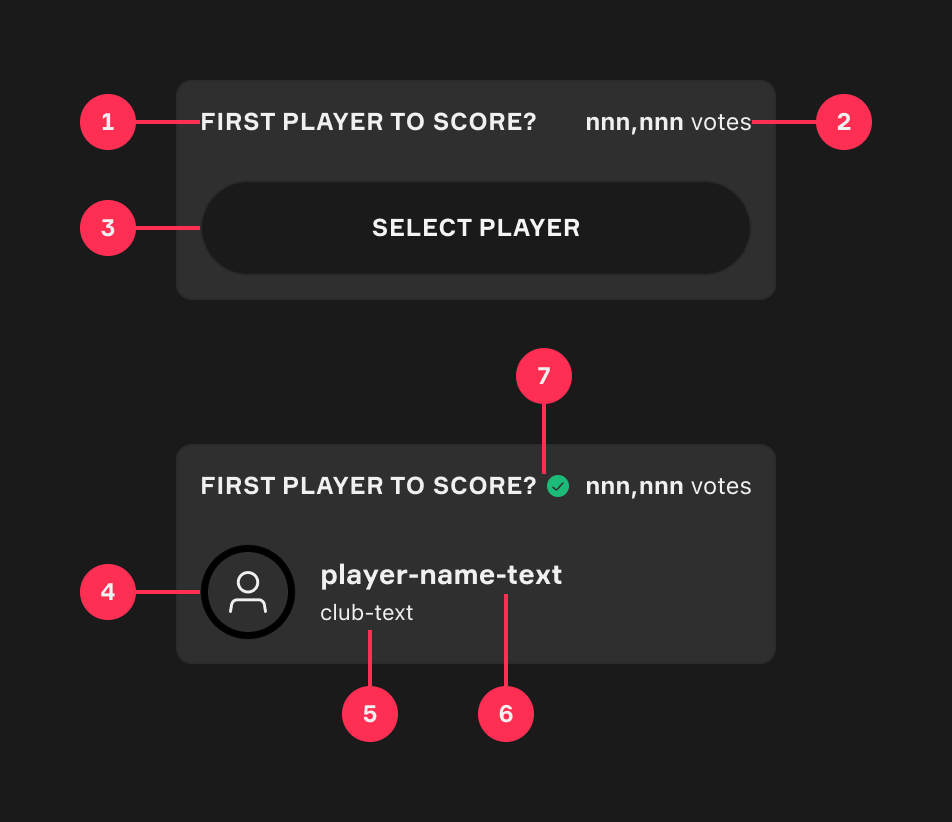
|
Item |
Usage |
|---|---|
|
1 |
Title |
|
2 |
Status |
|
3 |
CTA |
|
4 |
Predicted Icon Button/Player Logo |
|
5 |
Predicted Player Team |
|
6 |
Predicted Player Name |
|
7 |
Prediction Status |
Variants
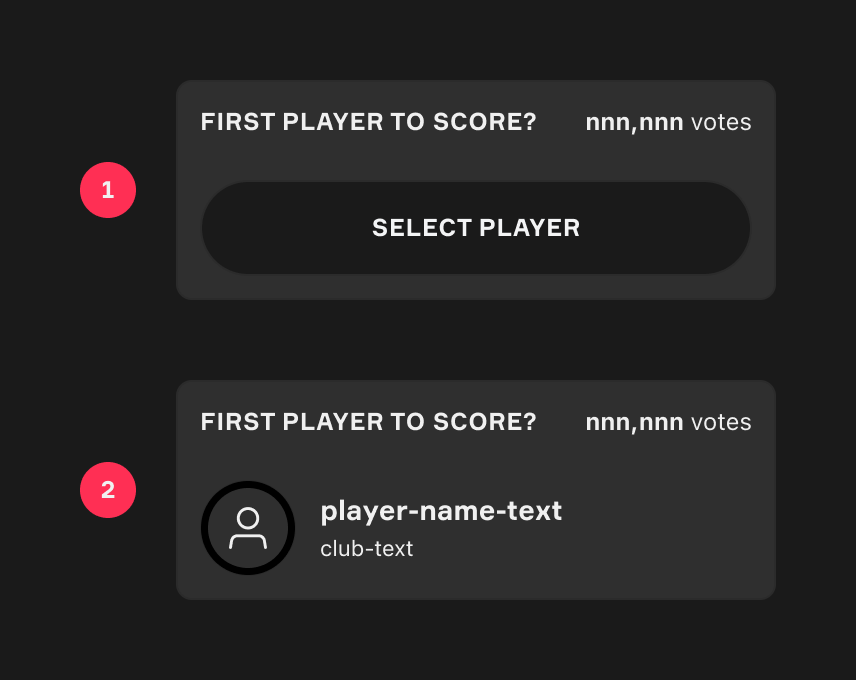
|
Item |
Usage |
|---|---|
|
1 |
Default |
|
2 |
Selected / Outcome |