Design
Overview
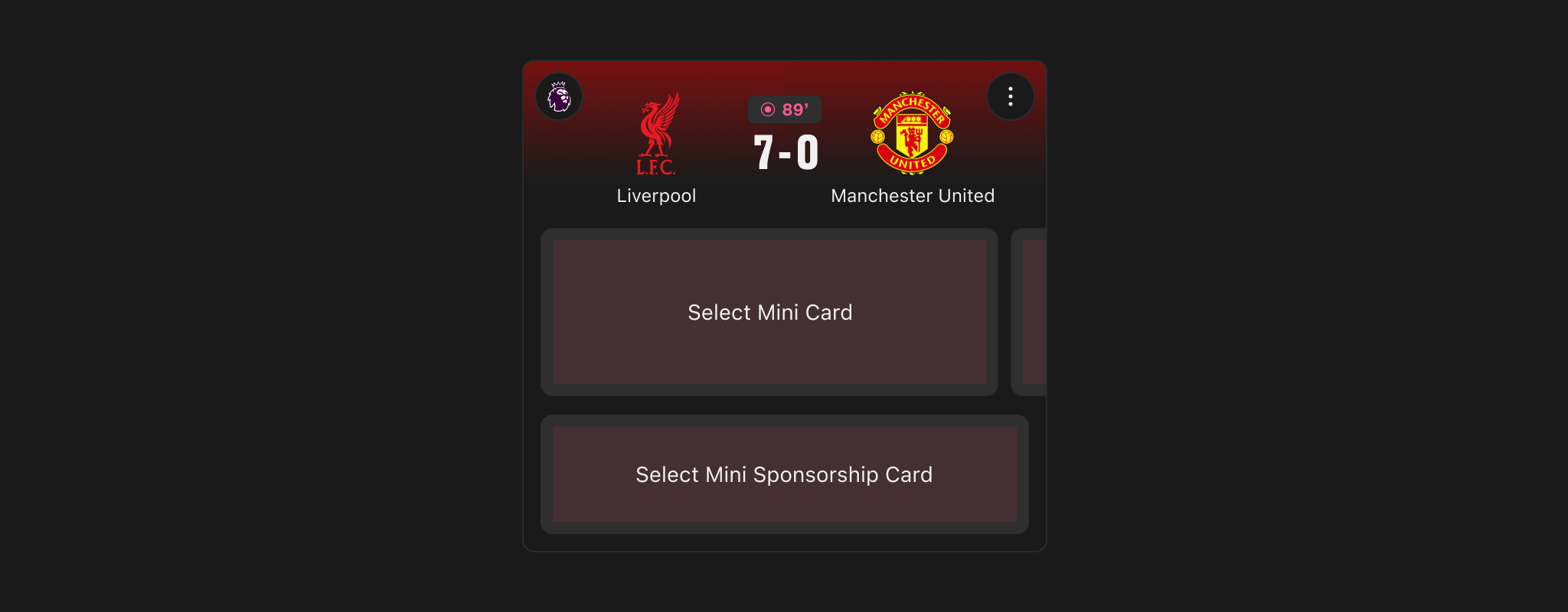
The Match Card gives fans the key information about a match before, during and after it. It holds the match detail, with optional containers for Mini-Cards and betting, and can be expanded or collapsed.
Usage
Loading
The Match Card will initially load using Skeleton loading components. These components offer an immediate interface to indicate to fans that content is loading, while also providing a rough preview of how the content will appear once fully loaded.
Additionally, by loading the Match Card initially via skeleton loading components, we can reserve the space, preventing any content 'jumping' from occurring.
There are 2 levels of skeletons being used:
- Match Card: Skeleton loading will be used for the overall Match Card
- Subcomponents: Once the overall Match Card has loaded, the subcomponents such as Mini-Cards and Betting will initially feature skeleton loading.
Mini-Cards Container
The Mini-Card container is an optional element to the Match Card. This can be toggled on and off depending on the situation.
The height of the Mini-Card Container is fixed, while the width will be dynamic depending on whether there is one or multiple cards, as well as the size of the device.
Betting Container
The Betting container is an optional element to the Match Card. This can be toggled on and off depending on the situation.
The height of the Betting Container is fixed, while the width will be dynamic depending on whether there is one or multiple cards, as well as the size of the device.
Number of Mini-Cards
While we don't have a fixed maximum number of Mini-Cards, we recommend that no more than 9 should be used.
Team Colours
Ideally, team colours will be present. However, in the unlikely event that we are unable to display a team colour, the fallback pattern of the Match Card will be visible.
Long Team Names
If a team’s name doesn’t fit on a single line—whether due to a small device or a particularly long name—the name will be truncated, and an ellipsis will be used to indicate that additional content has been cut off.
Accessibility
The gradient overlaying the team colour/fallback pattern ensures that the content within the Match Card is fully AA accessible.
Design
Appearance
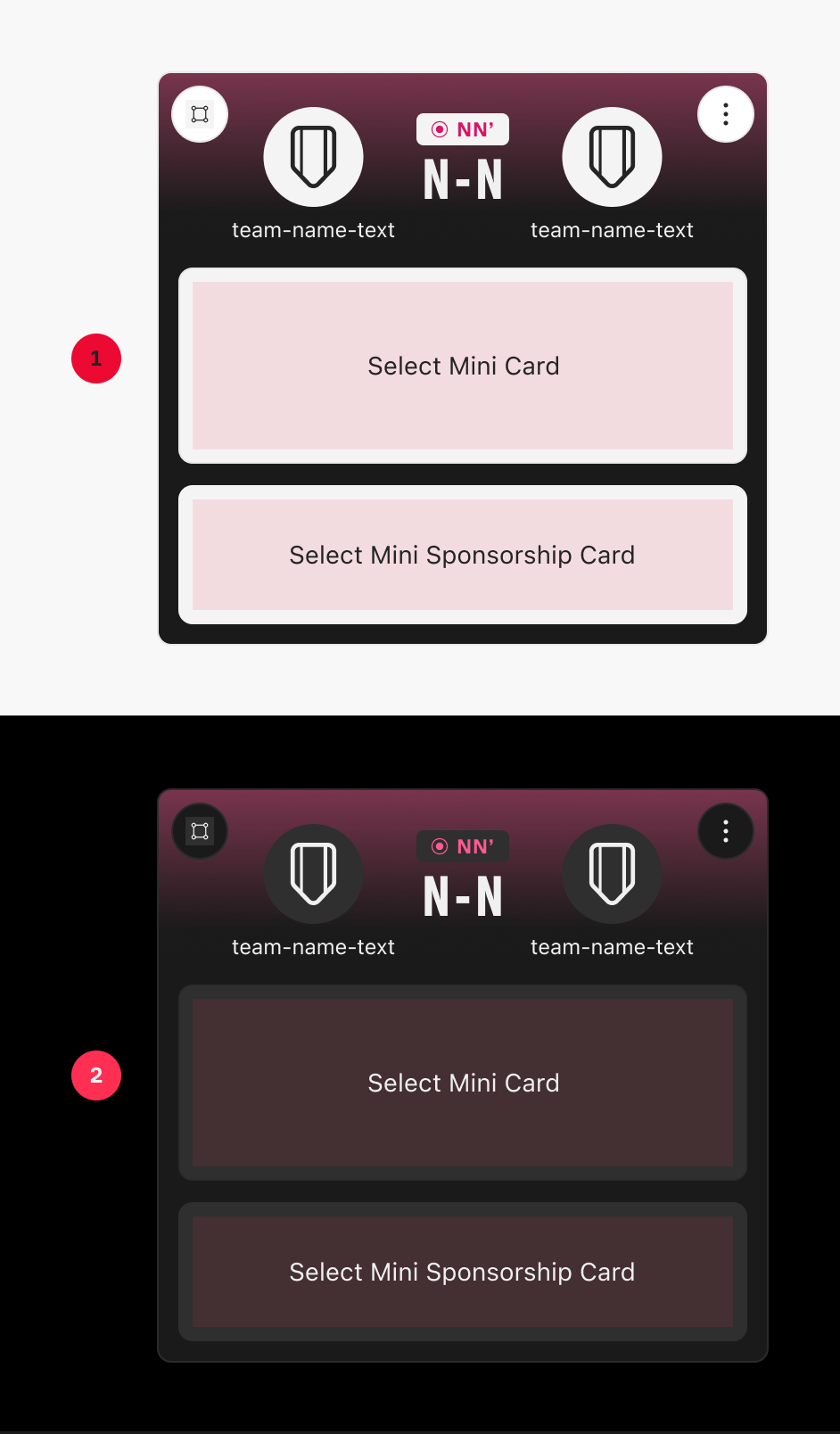
|
Item |
Usage |
|---|---|
|
1 |
Light Mode |
|
2 |
Dark Mode |
Anatomy
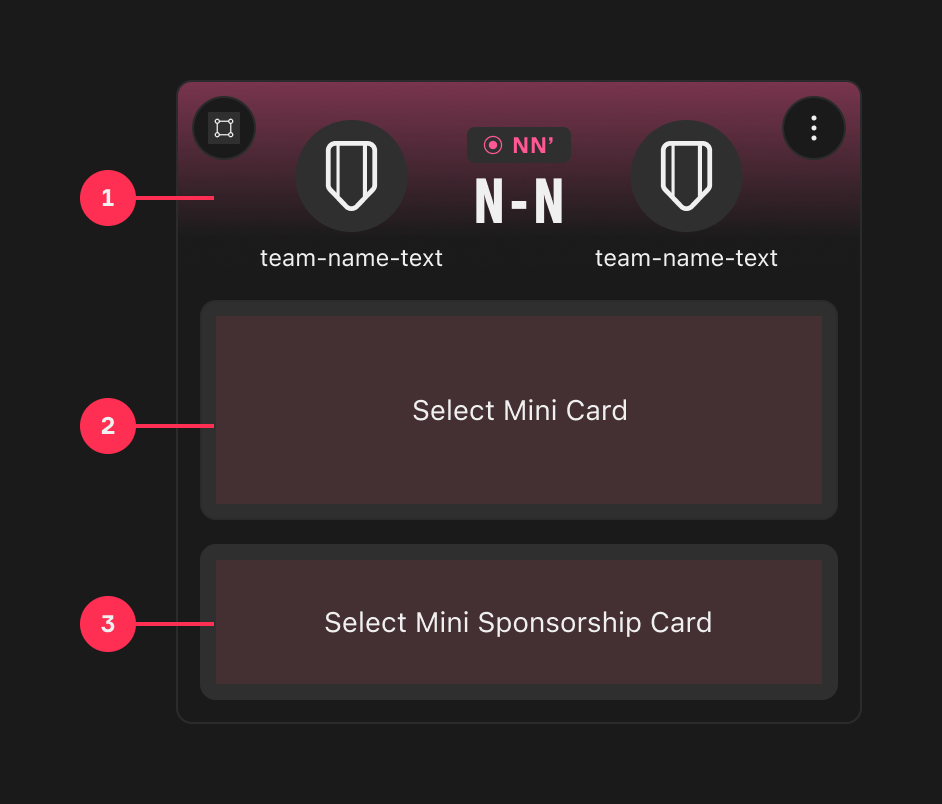
|
Item |
Variant |
|---|---|
|
1 |
Match Detail |
|
2 |
Mini-Card Container |
|
3 |
Betting Container |
Variants
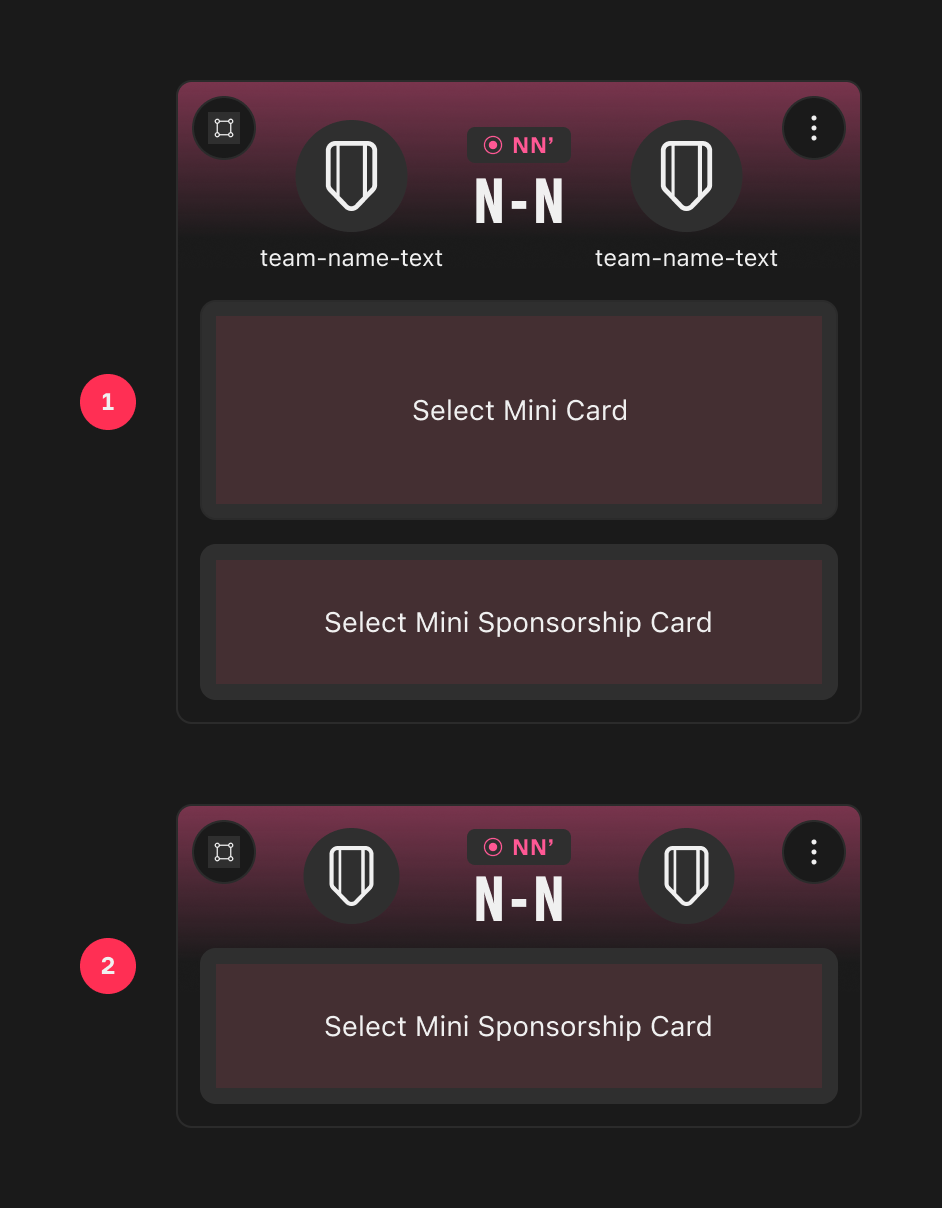
|
Item |
Variant |
|---|---|
|
1 |
Expanded |
|
2 |
Collapsed |