Design
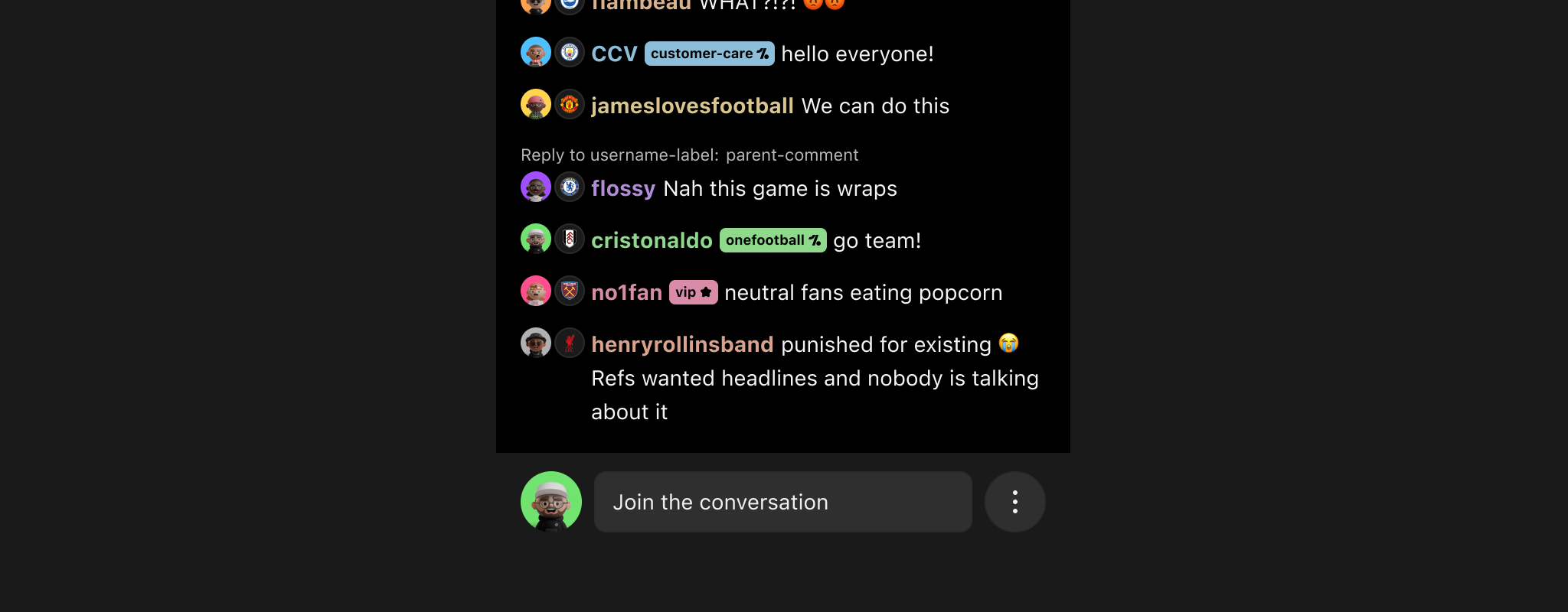
Component checklist
Overview
Live Chat Messages are the stream of comments fans post during a match. Each one is a single compact row. A message can also carry a reply, which shows the comment being answered directly above it.
Usage
Username colour
Every fan’s name takes its colour from their own avatar. We read the strongest colour out of the avatar picture and use it for the name, so the two always belong together. Where no colour can be read, the name falls back to the standard headline colour.
Here is how that colour is worked out.
- Read the avatar. The strongest colour in the avatar picture is taken as the fan’s colour.
- Even it out. That colour is converted to HSL and pinned to a saturation of 0.50 and a lightness of 0.70, so only its hue carries over from the picture. Every fan’s colour is then equally strong, and the names read as one set rather than a jumble.
- Fit it to the theme. The hue and the saturation stay where they are and only the lightness moves: 0.70 on the dark theme, 0.35 on the light one. Because the stored colour already sits at 0.70, the dark theme barely touches it and the light theme is the one that darkens the name.
- Fall back where nothing reads. If no colour can be taken from the picture, the name uses the standard headline colour instead.
Each default avatar has its colour stored, so the same avatar always gives the same name colour. Some avatars share a colour, so two fans in one conversation can end up the same shade, and the avatar beside the name is what tells them apart.
These are the stored colours, one per default avatar. They live in the Live Chat Colours variable collection, which is where to change one.
|
Avatar |
Dark |
Light |
|---|---|---|
|
Avatar 1 |
#D9B18C |
#86572D |
|
Avatar 2 |
#D98CA8 |
#862D4C |
|
Avatar 3 |
#D9A28C |
#86462D |
|
Avatar 4 |
#B08CD9 |
#562D86 |
|
Avatar 5 |
#D9C68C |
#86702D |
|
Avatar 6 |
#D98CA8 |
#862D4C |
|
Avatar 7 |
#D9B18C |
#86572D |
|
Avatar 8 |
#B08CD9 |
#562D86 |
|
Avatar 9 |
#8CBDD9 |
#2D6686 |
|
Avatar 10 |
#8ED98C |
#2E862D |
|
Special Traits |
#D98CA7 |
#862D4C |
|
Default |
#D98C99 |
#862D3B |
|
Seasonal |
#D98C8E |
#862D2F |
Club v National Team badge
The small badge beside a fan’s avatar is the team they support. For an international match it switches to their national team instead, so everyone in the chat is shown against the competition actually being played. It happens on its own; a fan does not set it, and there is nothing to switch on in the component.
Role badges
A role badge is separate from the club badge; it says who someone is rather than who they support. There are three: customer care, OneFootball staff, and VIP. It sits between the name and the message and takes the same colour as the name, so the two read as one piece of identity. A role badge has no colour of its own.
States
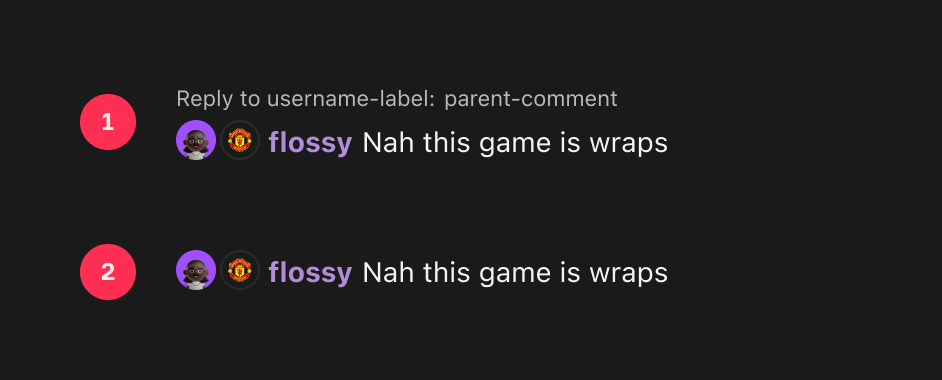
|
Item |
Usage |
|---|---|
|
1 |
With Reply |
|
2 |
No Reply |
Design
Appearance
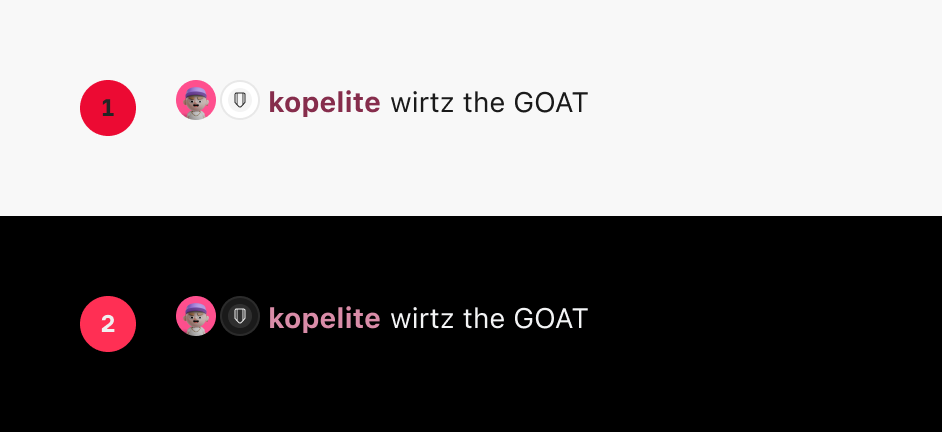
|
Item |
Usage |
|---|---|
|
1 |
Light Mode |
|
2 |
Dark Mode |
Anatomy
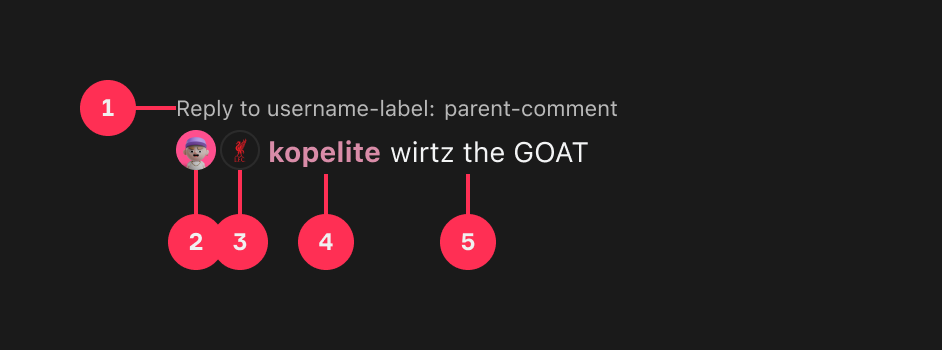
|
Item |
Usage |
|---|---|
|
1 |
Reply Context |
|
2 |
Avatar |
|
3 |
Club Badge |
|
4 |
Username |
|
5 |
Message Body |