Design
Overview
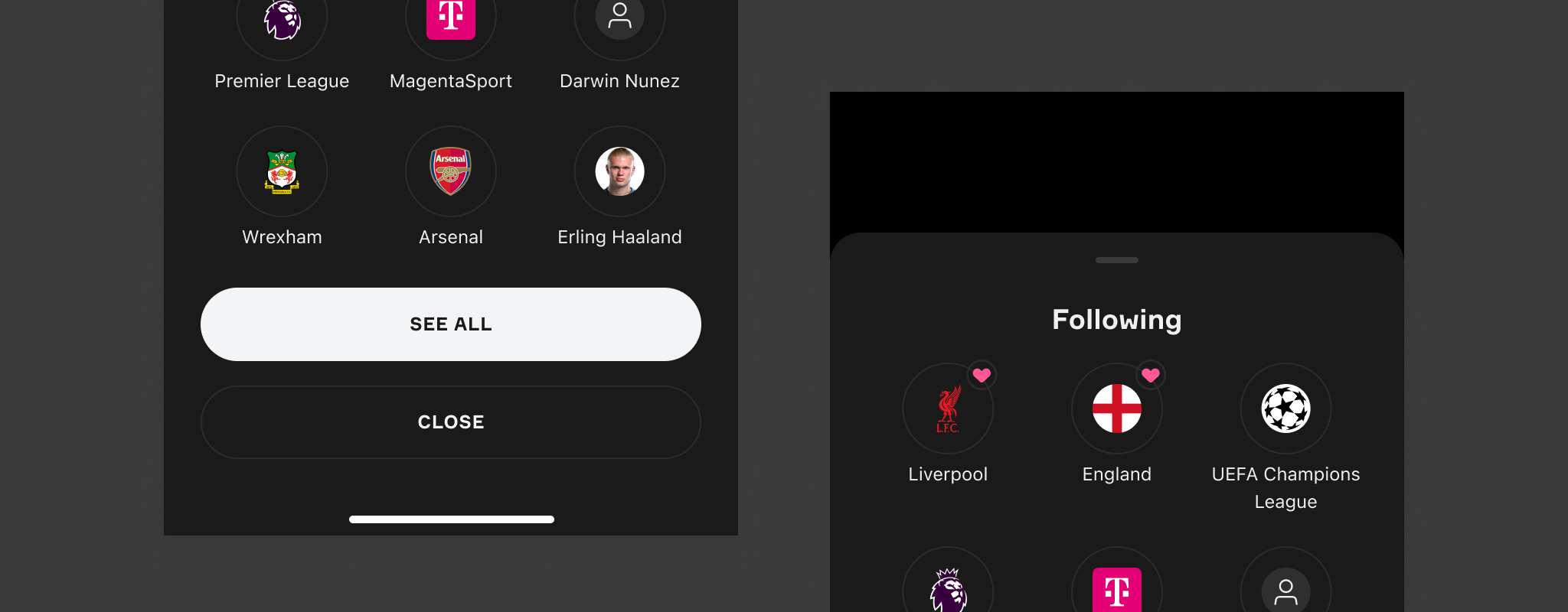
Following: Bottom Sheet shows the entities a fan follows in one place, capped at nine, with their favourite team and national team pinned first. Each entity is carried as an icon button with its name beneath.
Usage
Bottom Sheet
See Bottom Sheet for more information.
Number of Entities
The number of entities will be capped at a maximum of 9.
Fav Team(s)
The favourite team and national team (if applicable) are fixed in positions 1 and 2.
Sorting
The remaining 7 entities will be sorted using the Entity Trends API. If an entity isn’t trending, the fallback will be based on the last visited.
Visible Entities
If a fan follows 9 or more entities across multiple types, they will be displayed as follows:
• 2 Favorites
• 2 Competitions
• 2 Players
• 2 Teams
• 1 Creator
If a fan doesn’t follow certain types of entities (e.g., players or creators), additional teams or competitions will be displayed instead.
View all Entities
Fans can view all the entities they follow by clicking the ‘See All’ button, which will redirect them to the Following page.
Design
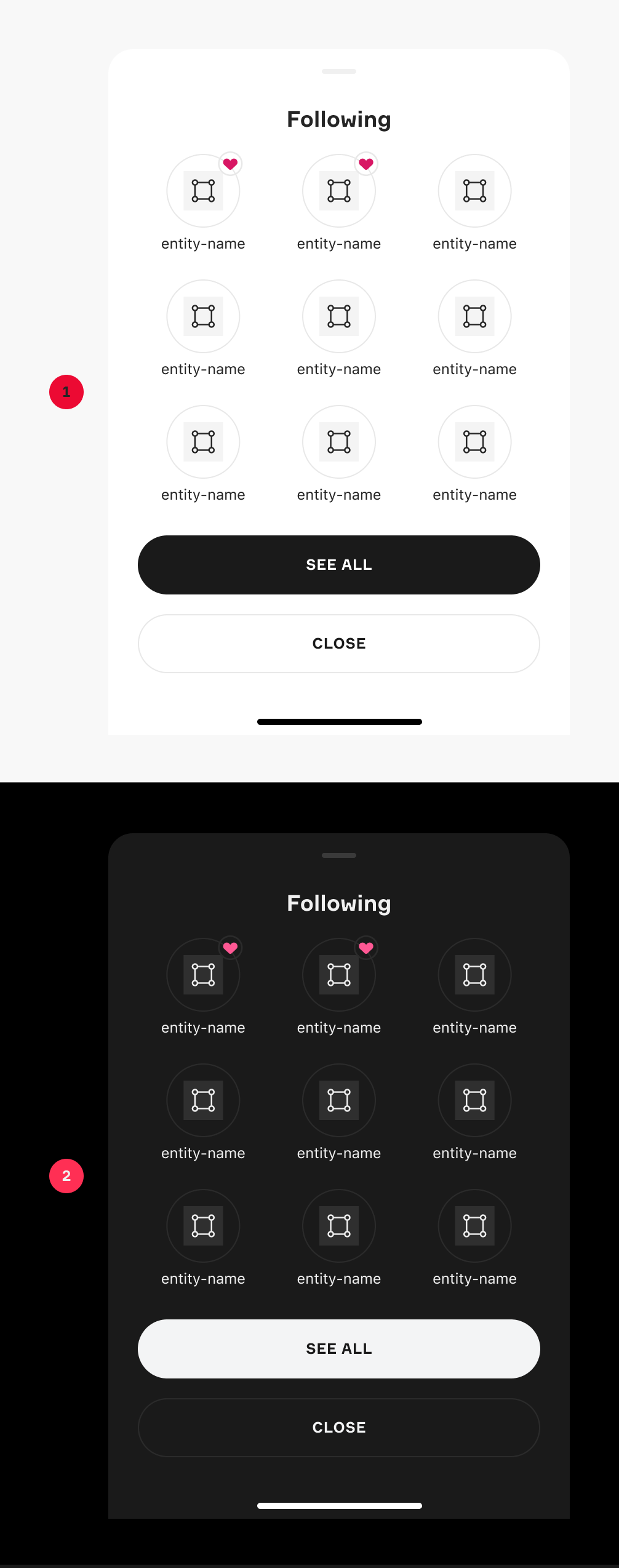
Appearance
|
Item |
Usage |
|---|---|
|
1 |
Light Mode |
|
2 |
Dark Mode |
Anatomy
|
Item |
Usage |
|---|---|
|
1 |
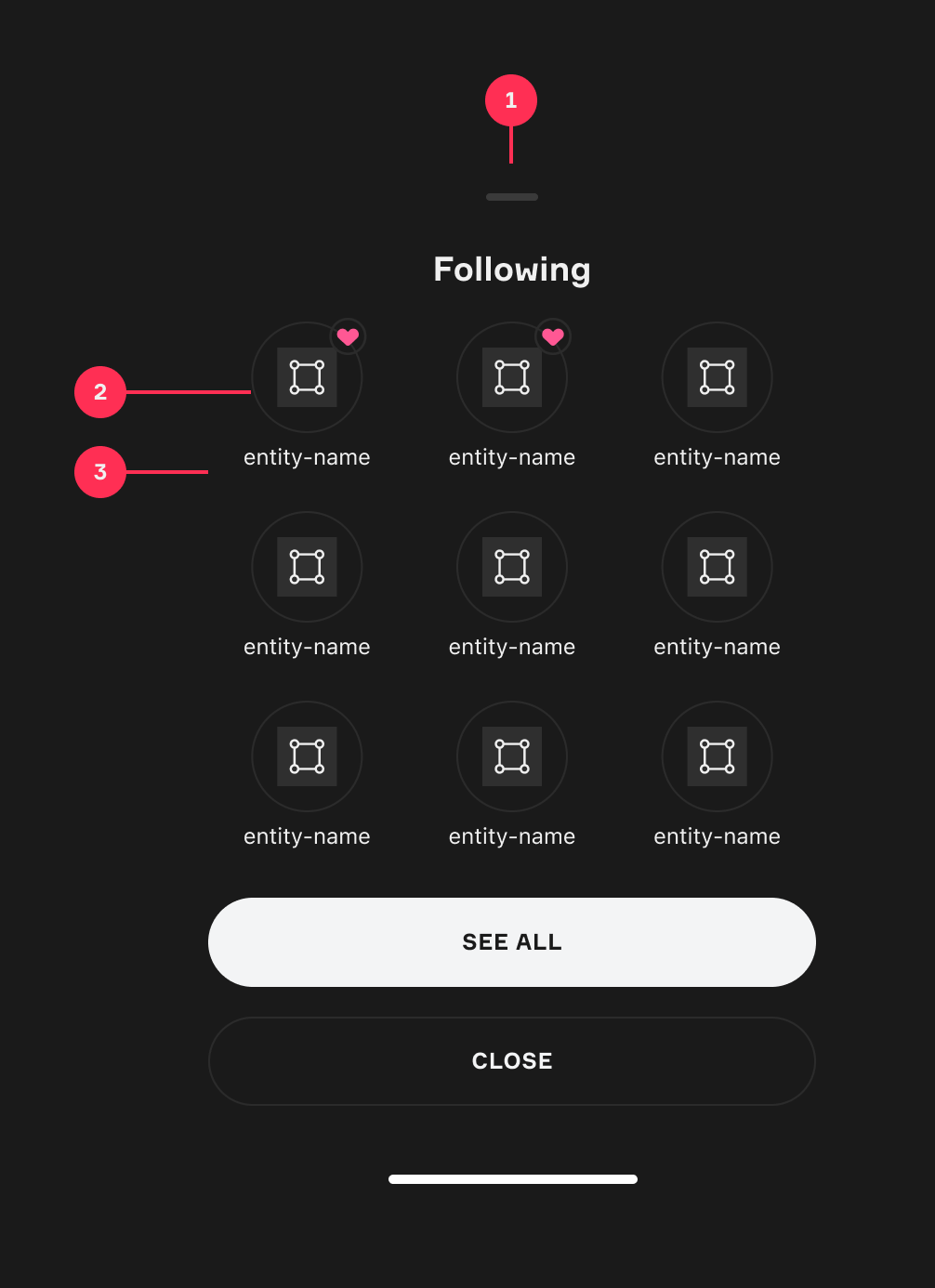
Bottom Sheet |
|
2 |
Icon Button |
|
3 |
Entity Name Text |